
1
The page scrolls itself
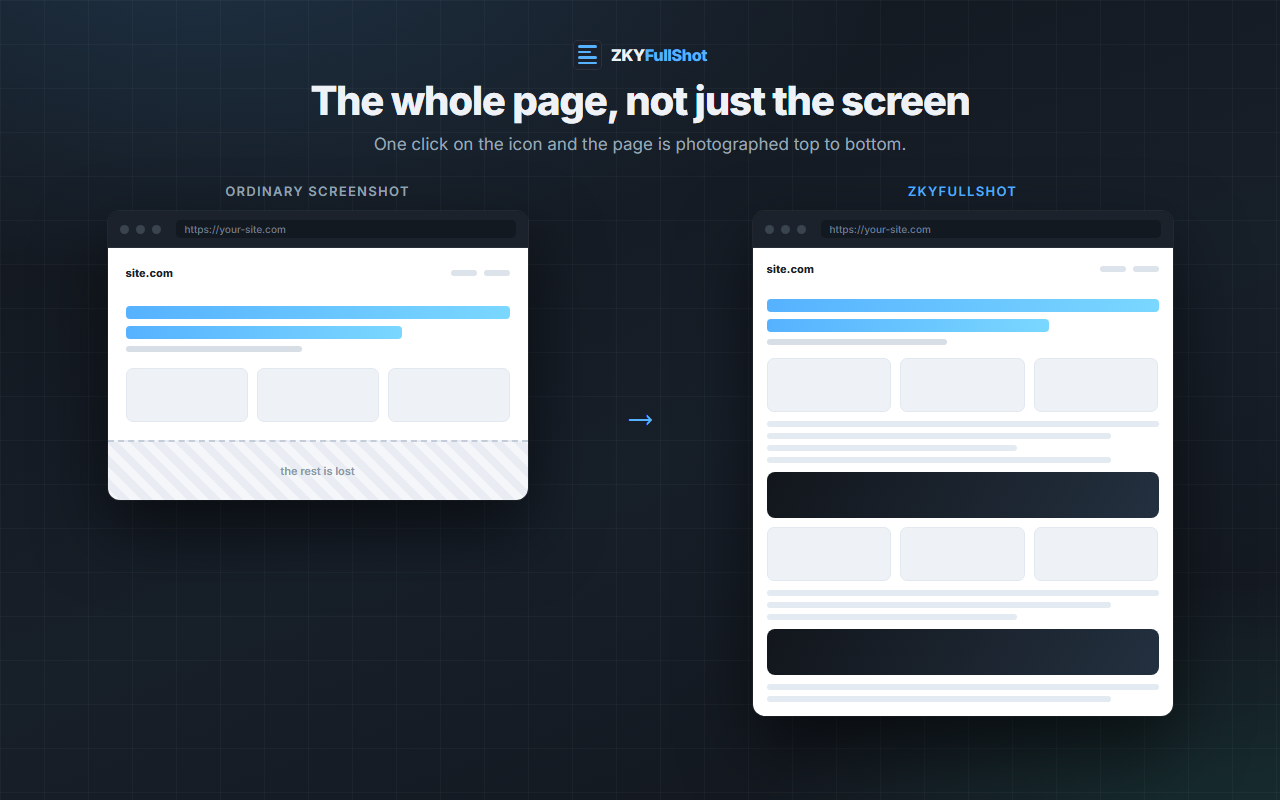
The extension first walks through the page to trigger lazy loaded images, then photographs it one screen at a time.
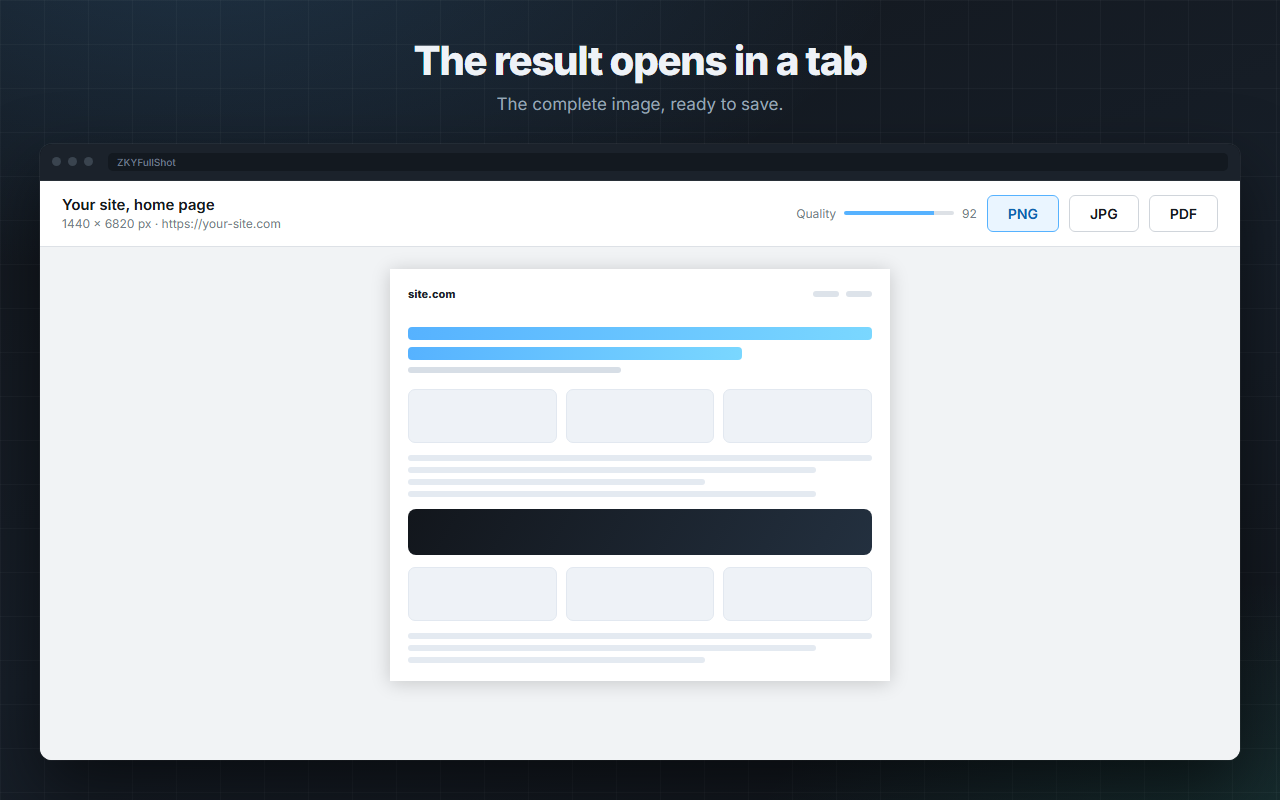
One click, and the site is photographed from top to bottom. The complete image opens in a tab, ready to save as PNG, JPG or PDF.
Available on
Nothing to configure, no sign up, no file upload.
The extension first walks through the page to trigger lazy loaded images, then photographs it one screen at a time.
Fixed headers, sticky bars and decorative backdrops are placed once, where they belong, instead of repeating on every screen.
A new tab shows the complete image with three export buttons and a quality slider.
An ordinary screenshot stops at the bottom of the screen. This one stops at the bottom of the page.
Everything is produced in your browser. No image is sent to a server.
The stitched image as it is, for archiving or editing.
Quality set with a slider, white background applied, small file.
Split into A4 pages, ready to send or to print.
A long capture always fails on the same traps. Each one is handled.
No account, no tracker, no analytics, no network request. Capture, stitching and export all happen inside your browser, and the extension only sees the page when you click its icon.
Read the privacy policyZKYFullShot came out of a daily need. If yours has no tool yet, let's talk about it.
Get in touchThis site only uses cookies that are necessary for it to work, including one to remember that you have read this message. We also measure our traffic with a tool we host ourselves, without cookies and without storing your IP address. No advertising, no third-party trackers. Learn more about privacy